
By default, the datepicker is displayed at the bottom of the date input field. There is no control, like jQuery UI Datepicker, to change its position. The following inline CSS is used for the ui-datepicker-div ID to display the datepicker pop-up at the bottom.
position: absolute;
top: 919.25px;
left: 104px;
z-index: 1;
display: block;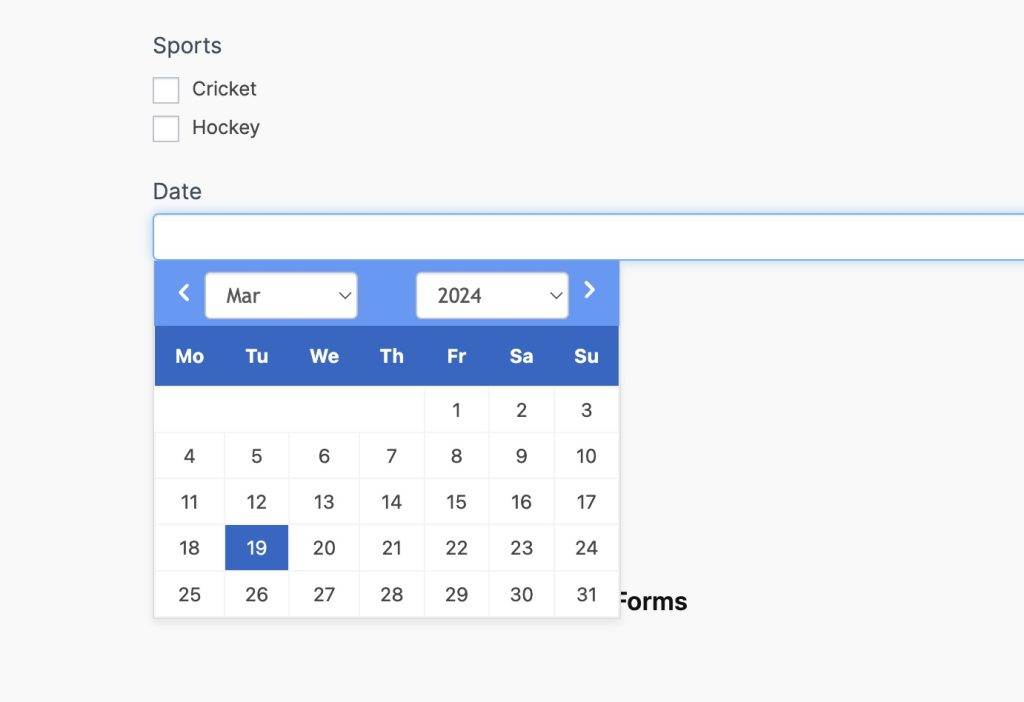
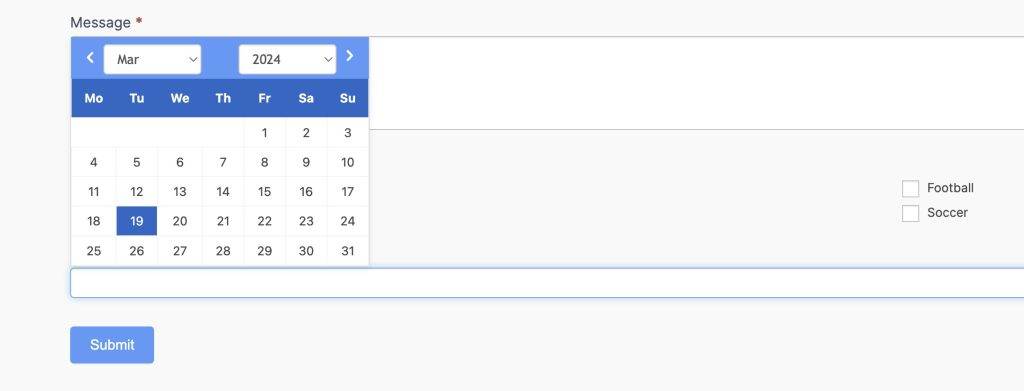
However, if you change the CSS position top to unset and bottom to -165px, it will be displayed at the top of the date field. Alternatively, you can add a -275px top margin, so it will work fine. Here is the final code and output.
/* Adjust the margin value to match with your website */
#ui-datepicker-div.ui-datepicker {
  margin-top: -275px !important;
}

/* Alternative code */
#ui-datepicker-div.ui-datepicker {
  bottom: -165px !important;
  top: unset !important;
}











Leave a Reply