

Gravity Forms allows for the modification of calculated results using the gform_calculation_format_result hook, which can be found here: https://docs.gravityforms.com/gform_calculation_format_result/. The documentation includes two examples.
To disable the formatting of the calculated result, first obtain the field ID from the form editing page, as shown in the screenshot below.
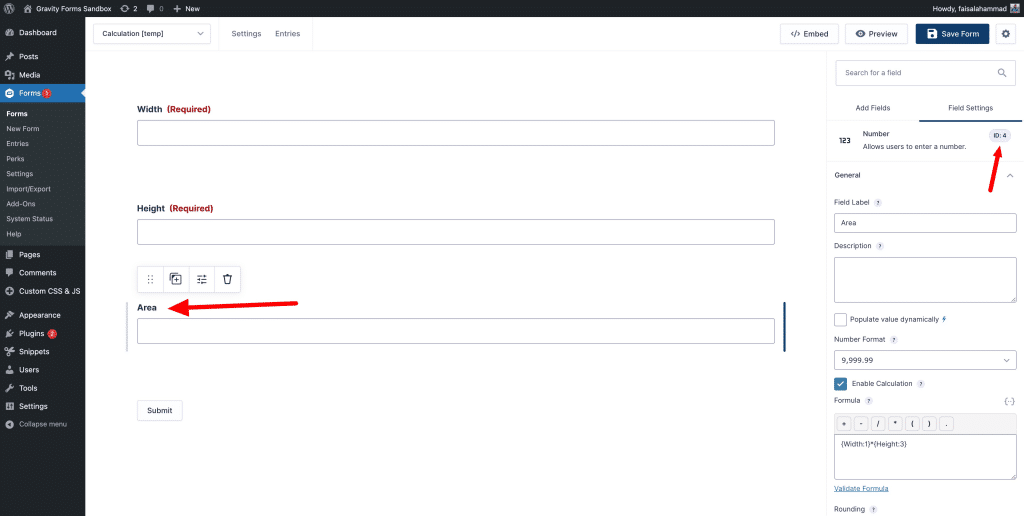
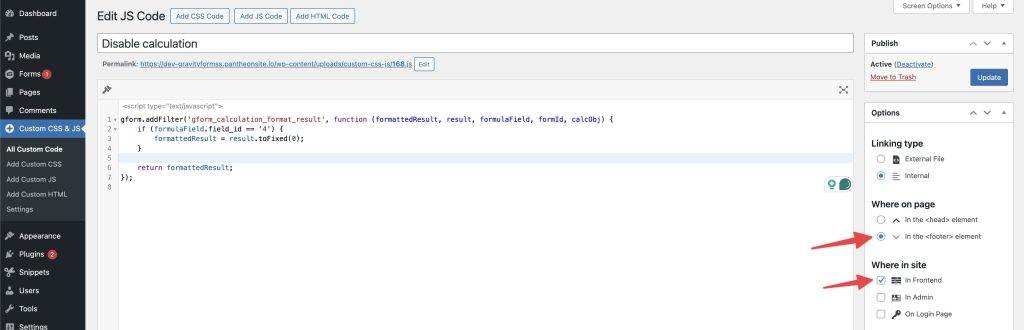
Now, use the provided code and replace the field ID with the ID of your form field, if it is different. You can use this code in your child theme JavaScript file or utilize the Simple Custom CSS and JS plugin.
gform.addFilter('gform_calculation_format_result', function (formattedResult, result, formulaField, formId, calcObj) {
    if (formulaField.field_id == '4') { // field ID
        formattedResult = result.toFixed(0);
    }

    return formattedResult;
});
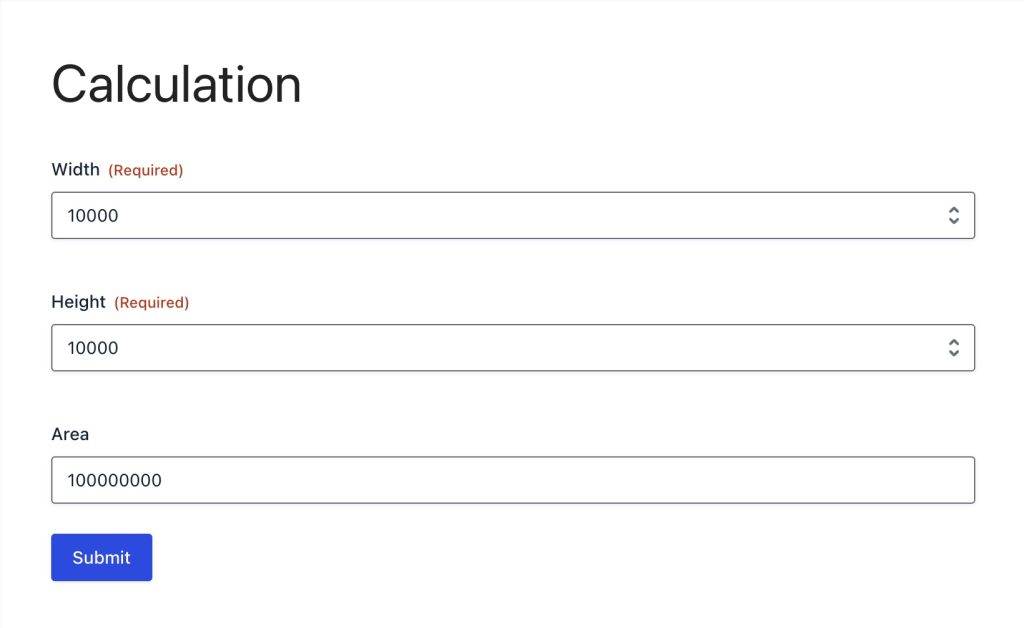
Now, if you check the output, you will see that the formatting has been disabled and the output is a plain number.
I hope that helps. Let me know if you’re having any issues disabling the formatting.











Leave a Reply